A coloring book PDF is only as good as its print. The right paper and two or three printer settings make the difference between crisp black outlines and grey, streaky ones.
None of it needs special equipment. An ordinary inkjet or laser printer is enough.
Pick paper for the pens you will use
Standard printer paper is fine for crayons and colored pencils. For felt-tip pens, choose a heavier paper so the ink does not bleed through to the table. Light card is best for paint or glitter glue.
Print on one side only. Coloring presses through and spoils whatever is on the back.
Printer settings that matter
Select black and white or greyscale to save colored ink, and choose normal or high quality, not draft, so the lines are solid. Set the scale to fit the page so nothing is cut off at the edges.
Match the paper size in the print dialog to the paper in the tray, whether that is US Letter or A4.
Simple ways to bind the pages
Two or three staples down the left edge are the quickest binding. A hole punch and ribbon looks nicer for a gift, and a clear report folder keeps pages flat and lets you swap finished ones out.
For travel, clip the pages to a clipboard so children have a firm surface on their lap.
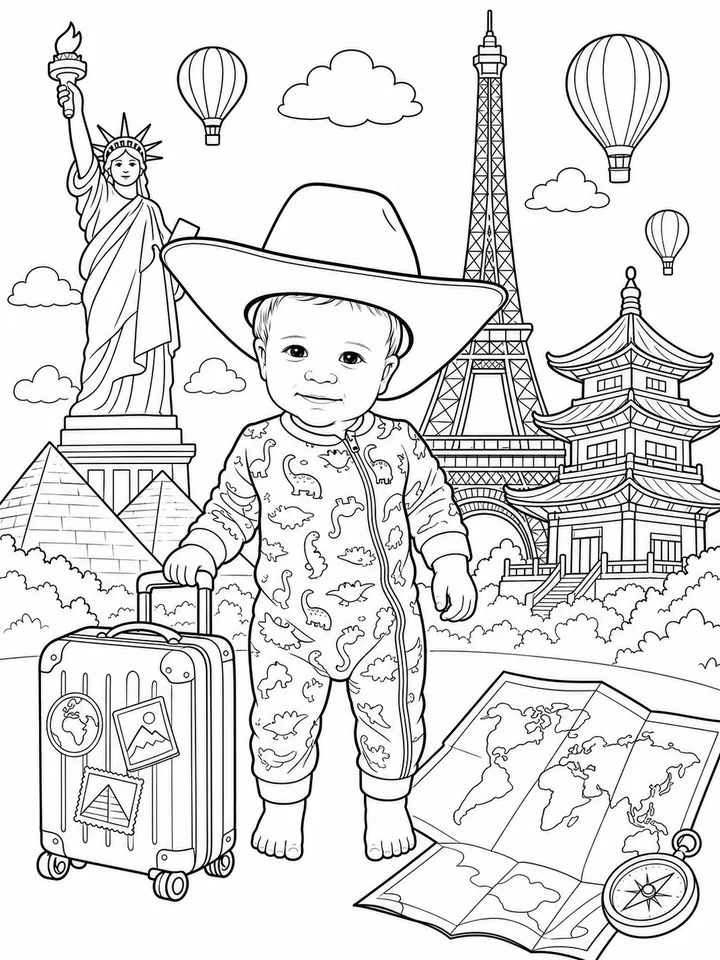
Preview artwork on this page shows each theme's coloring style. Your pages are created from your own photo.
First book free, no credit card. Then 100 credits from $7.99.