There are three common ways to turn a photo into a coloring page: trace it by hand, run it through an edge filter in a photo editor, or use an AI tool that redraws it as line art. They differ a great deal in effort and in how pleasant the result is to color.
This guide explains each one so you can pick the method that fits your time and your printer.
Method 1: trace it by hand
Print the photo, tape thin paper over it against a bright window and trace the main outlines with a black pen. This costs nothing and gives you full control over which details to keep.
It takes patience and a steady hand, and faces are difficult. It suits simple subjects such as a toy or a house.
Method 2: use a photo filter
Most photo editors have a sketch or find-edges filter. Convert the photo to black and white, raise the contrast, apply the filter and print.
The result is quick but often messy. Filters follow every shadow and texture, so you get grey smudges and broken lines where a coloring page needs clean, closed shapes.
Method 3: AI line art
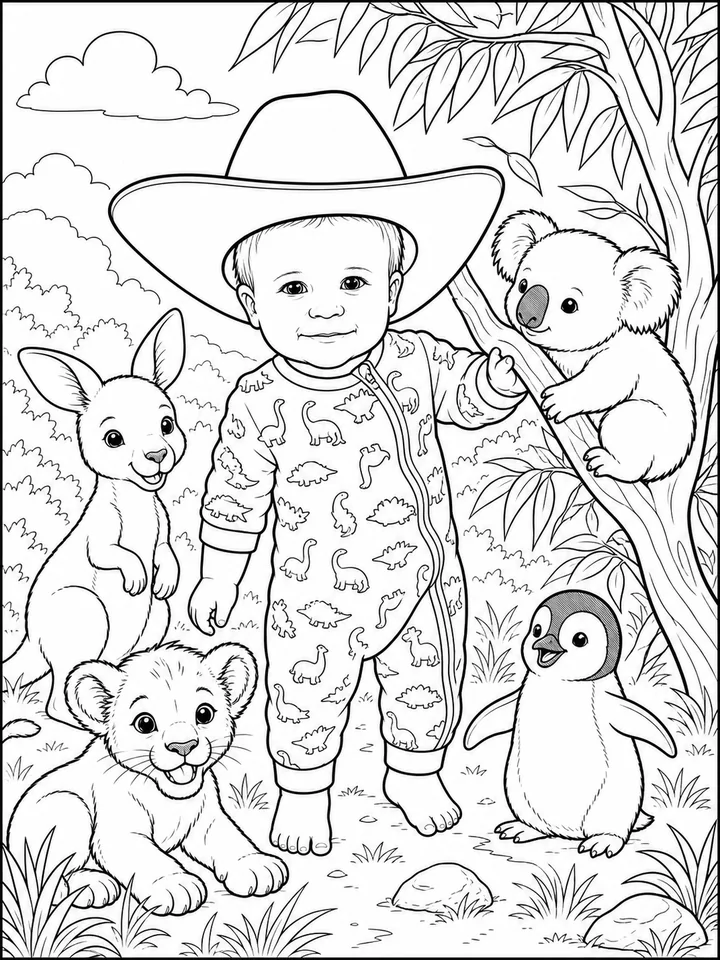
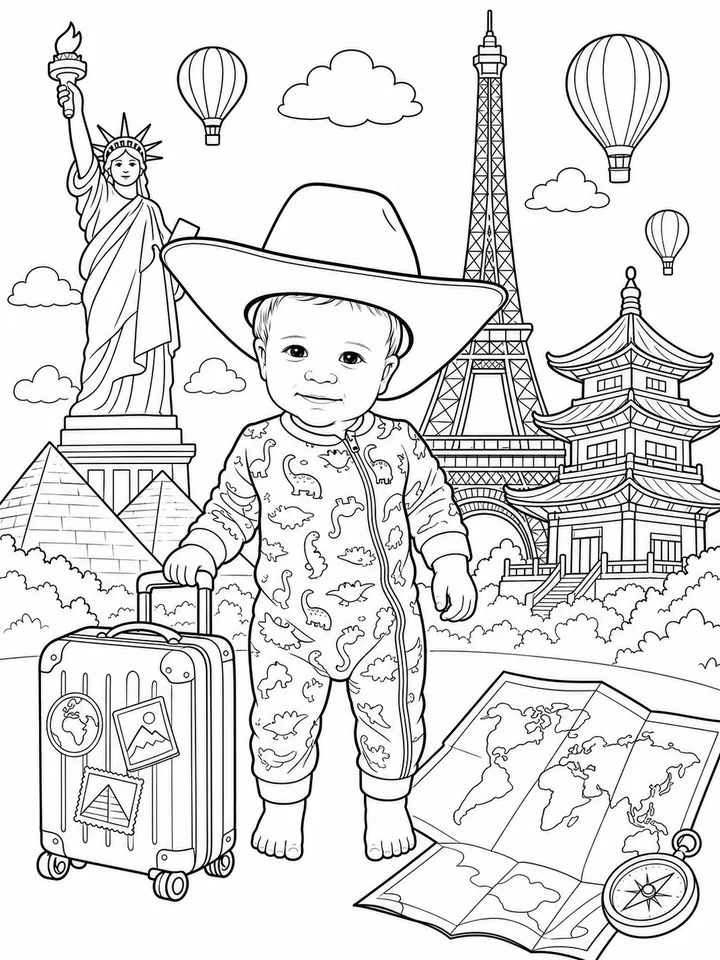
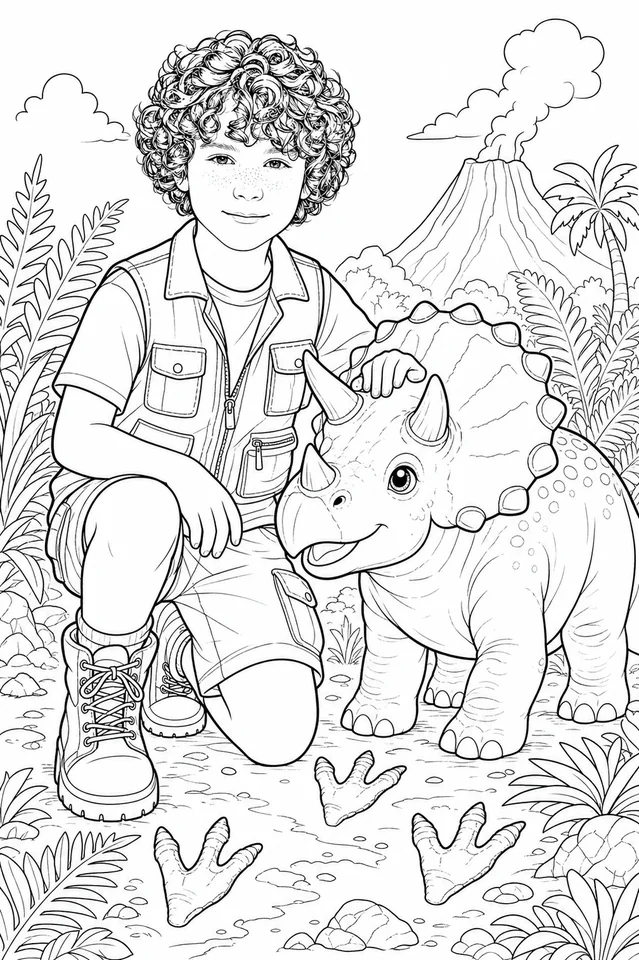
An AI tool redraws the subject as bold outlines instead of filtering the pixels, so the shapes are closed and easy to color. My Coloring Book goes a step further and places the person or pet from your photo into themed scenes, producing a book of five pages from a single upload.
You upload the photo, choose a theme and download a print-ready PDF.
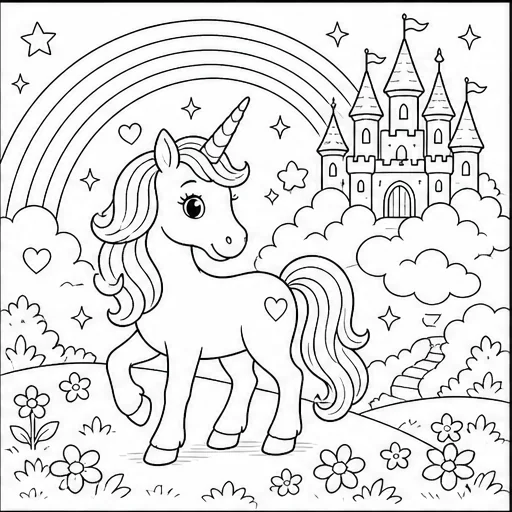
Preview artwork on this page shows each theme's coloring style. Your pages are created from your own photo.
First book free, no credit card. Then 100 credits from $7.99.