The single biggest factor in a good photo coloring page is the photo you start with. A sharp, well-lit picture of one subject gives clean results, and a dim or cluttered one gives muddled lines whatever tool you use.
A minute spent choosing saves a wasted print.
Light and focus
Choose photos taken in daylight or a bright room. Soft, even light shows the shape of a face, where harsh sun creates heavy shadows that can be mistaken for features.
Zoom in before you upload. If the eyes are blurred on your screen they will not be clearer on the page.
Framing the subject
One person or one pet, filling a good part of the frame, works best. Head and shoulders or a full-body shot are both fine as long as nothing is cut off awkwardly.
Crop out other people, and avoid pictures where hands, toys or food cover part of the face. Sunglasses, hats pulled low and masks hide the features that keep someone recognizable.
Backgrounds and angles
A plain background such as a wall, grass or sky helps the subject stand out. The scenery is replaced by the theme, so it does not need to be pretty.
Take pictures of children and pets at their eye level. Shots from above shorten the body and hide the face.
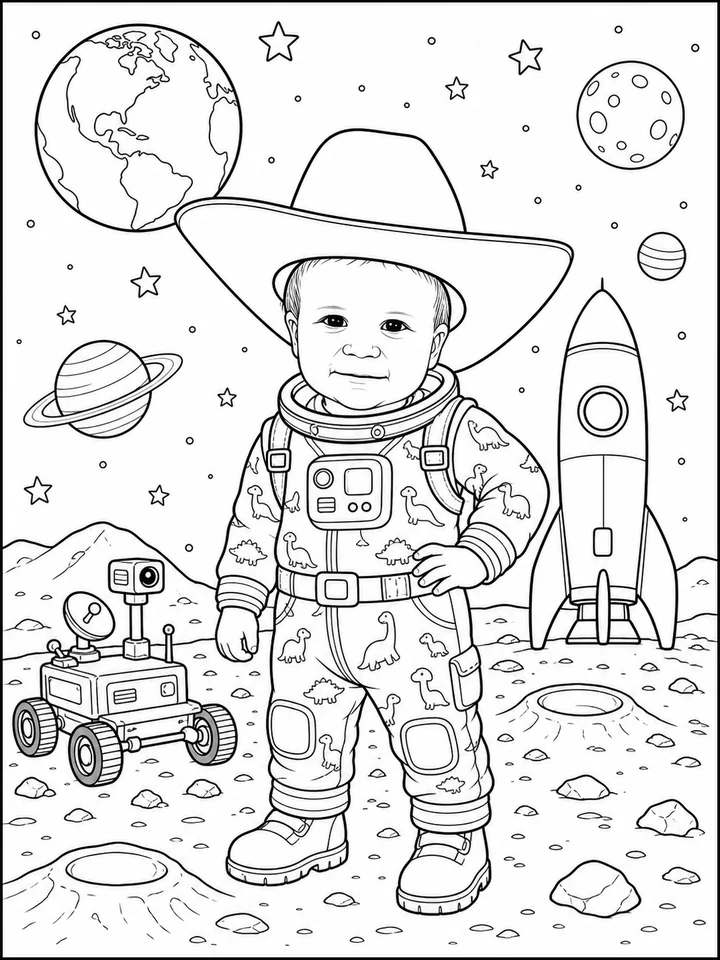
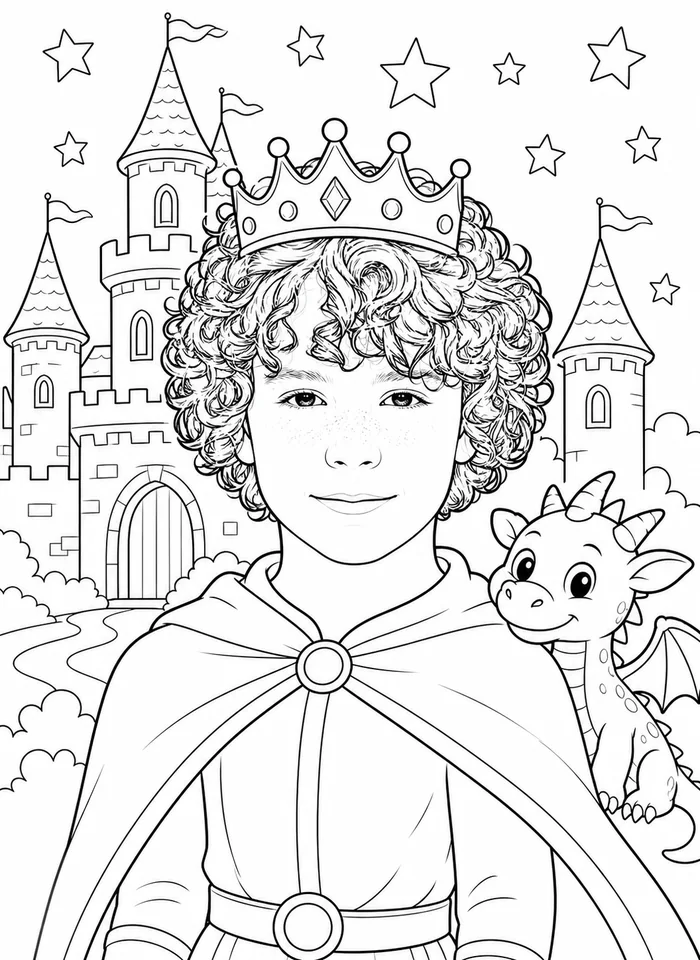
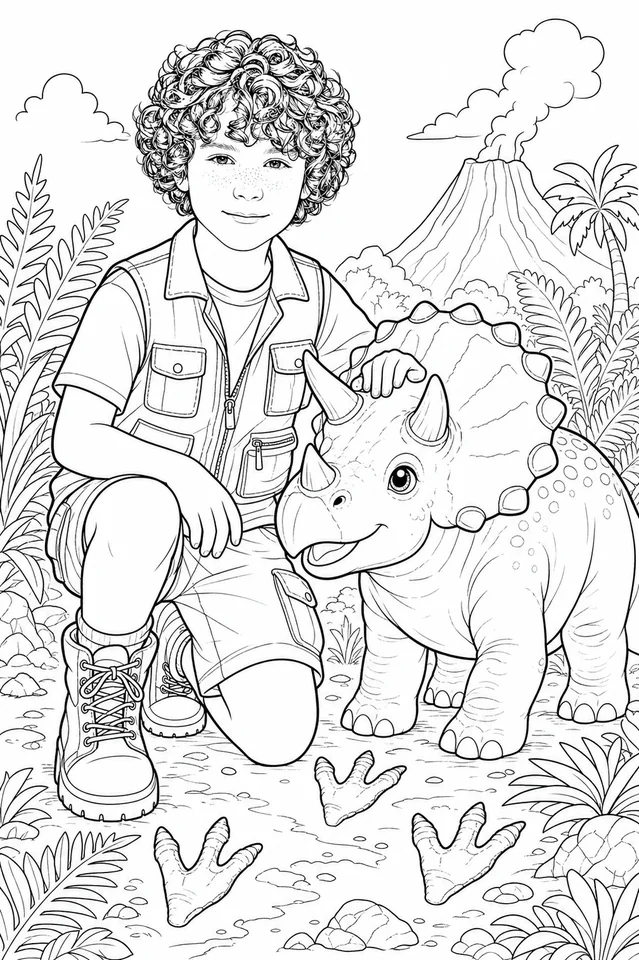
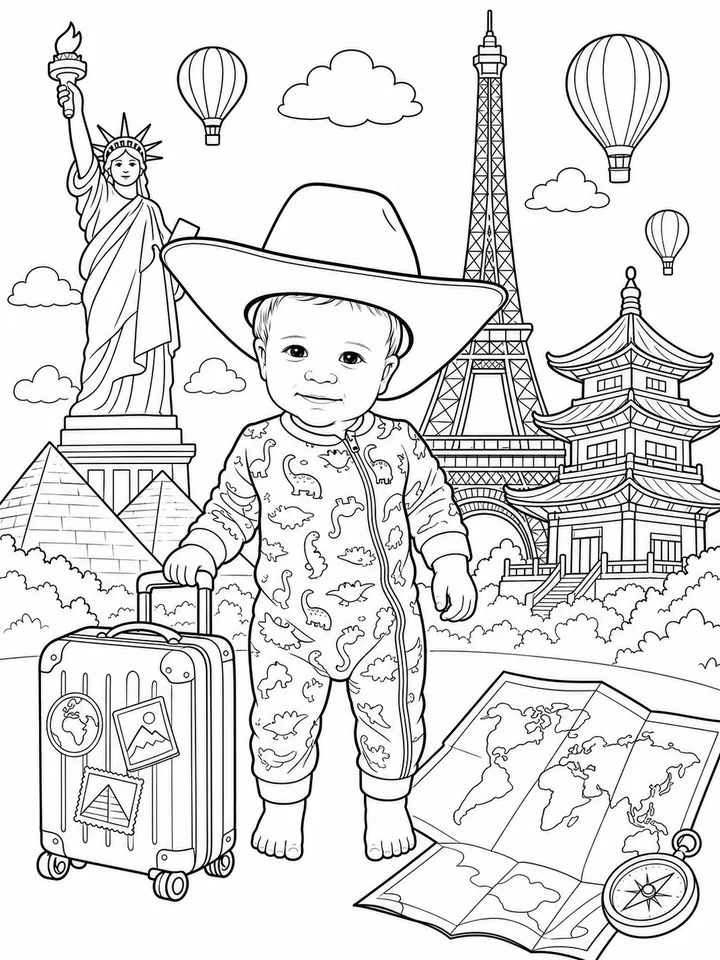
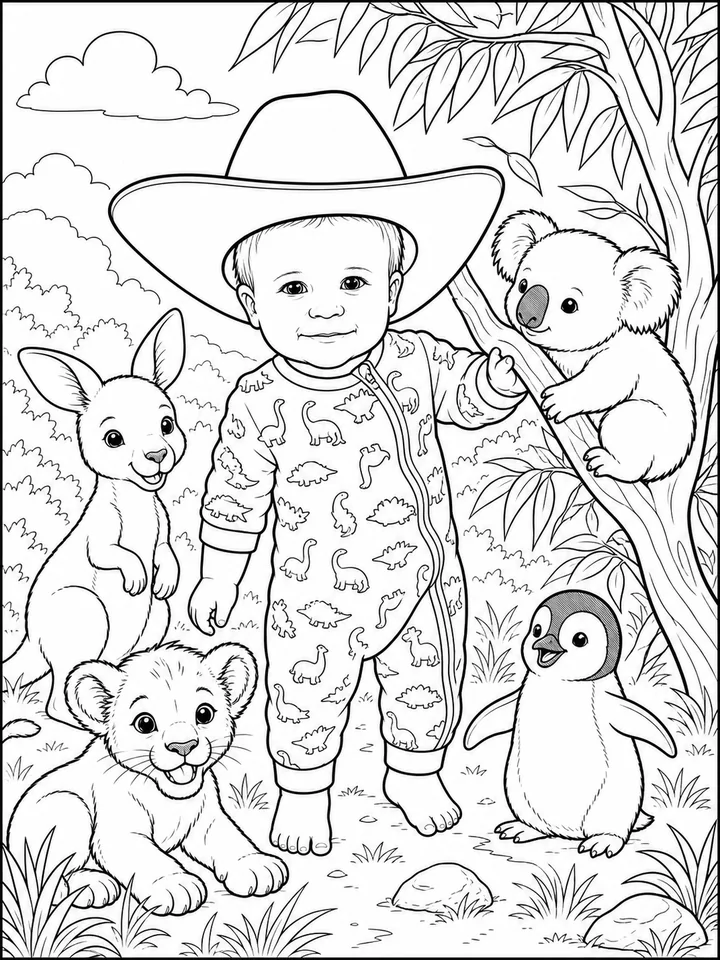
Preview artwork on this page shows each theme's coloring style. Your pages are created from your own photo.
First book free, no credit card. Then 100 credits from $7.99.